Many small companies create their invoices in Excel. That is understandable: you already have Excel, it is free and you can start quickly. So first — a free template, and then an honest look at when Excel stops being enough.
Free Excel invoice template
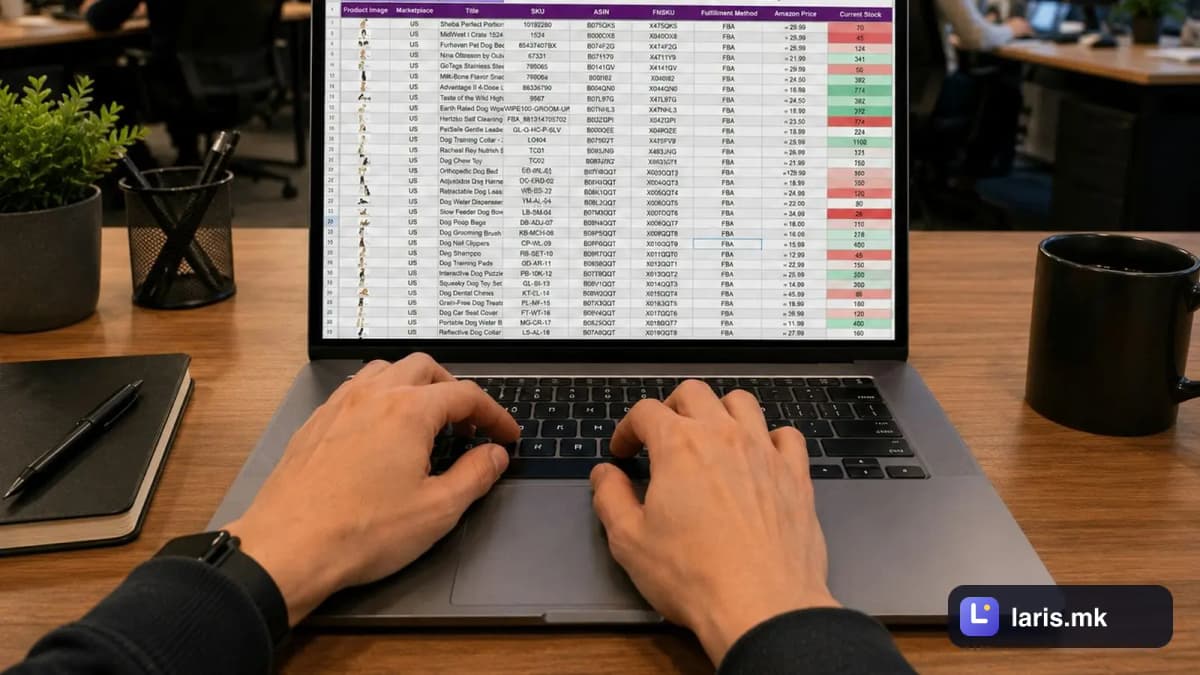
The template automatically calculates the amount without VAT, the VAT and the total for every line, and the VAT by rate (18%, 10%, 5% and 0%) at the bottom of the invoice.
Download the free invoice template (Excel, Macedonian labels) · Albanian version
How to use it:
- Enter your company’s details and the customer’s.
- For every line: description, unit of measure, quantity, price without VAT and VAT rate (from the list).
- The amounts and the total VAT are calculated by themselves.
- Save the invoice under a new number, print it or save it as a PDF.
Where Excel starts causing problems
Excel is a spreadsheet, not invoicing software. That means:
- You keep track of the invoice number. Duplicate or skipped numbers are a common mistake.
- No overview of who owes you. Every customer needs a separate sheet — or your memory.
- No stock. The invoice doesn’t lower the stock in your warehouse.
- VAT records by hand. At the end of the month your accountant has to retype every invoice.
- e-Invoice. Under the draft law, invoices between companies will be sent as a structured electronic document through the Public Revenue Office (UJP) system — for VAT payers from 1 April 2027. Excel can’t send an e-Invoice. More in the e-Invoice guide.
When invoicing software pays off
Software pays off sooner than you think. Good signs that it is time:
- you issue more than a few invoices a week;
- you keep stock or have a warehouse;
- you look up “who owes me” across several sheets;
- your accountant retypes your invoices;
- you are a VAT payer and e-Invoice will become an obligation for you.
Laris Accounting for small businesses covers exactly those things: invoices, quotes, stock, who owes you and VAT — without special training. If you also need a warehouse with several locations, see the invoicing and inventory software.
Excel or software — a comparison
- Price: Excel — you already have it; software — a monthly or one-time price.
- Speed of an invoice: Excel — copy and edit; software — customer, items, done.
- VAT mistakes: Excel — manual formulas; software — automatic by rate.
- Stock and warehouse: Excel — no; software — yes.
- e-Invoice: Excel — no; software — yes.
Many people search for “invoicing software Excel” — the answer is: start with the template, but switch to software as soon as invoices become an everyday thing.
What an invoice must contain
Whether it is in Excel or in software, an invoice contains the basic details:
- name, address and tax number (EDB) of the seller and the buyer;
- the invoice’s sequence number and date of issue;
- description, unit of measure, quantity and price of the goods or service;
- VAT rate and VAT amount, and the total amount payable;
- payment term and bank account.
Check the exact mandatory elements for your business with your accountant — especially if you are not a VAT payer or have exempt supplies.
How to switch from Excel to software in one day
- Enter your customers — name, address, tax number. If you have them in Excel, we move them for you.
- Enter your items and services with prices and VAT rate.
- Continue the numbering — the next invoice number continues from the last one in Excel.
- Invite your accountant — so they see the same documents.
- Issue your first invoice — customer, lines, print or send by email.
You don’t have to enter your old Excel invoices — your accountant has already posted them.
The 5 most common mistakes with invoices in Excel
- A copied old invoice with an old date — the new invoice goes out with the wrong date.
- A duplicate number — two invoices with the same number, especially when two people work on them.
- A lost formula — someone typed a number over the formula and VAT is no longer calculated.
- The wrong VAT rate — the goods are at 5%, but the invoice is at 18%.
- No backup — a lost laptop means lost invoices.
All five disappear when the software keeps track of the number, the date and VAT, and the data is stored on a server.
Frequently asked questions
Is an invoice made in Excel valid?
An invoice is valid if it contains the mandatory details (seller, buyer, number, date, lines, VAT). Excel is just a tool — responsibility for accuracy is yours. Ask your accountant about the mandatory elements.
Can an Excel invoice be sent as an e-Invoice?
No. An e-Invoice is a structured electronic document sent through the UJP system; you need software for that.
Is the template free to use?
Yes, download it and use it freely in your company.
How much does invoicing software cost?
See the plans on the Pricing page — the “Business” plan is made for small companies.
Updated: 17 November 2026